
Welcome to the Parents App
The YeboLearn Parents App keeps you connected to your child's education, allowing you to monitor their academic progress, attendance, and communicate with teachers.
Overview
The Parents App enables you to:
- Monitor grades - Track your child's academic performance
- Check attendance - View attendance records
- Pay fees - See outstanding fees and pay them online
- Receive notifications - Stay informed about school updates
- Communicate - Message teachers who have written to you
- Download report cards - Get each term's official report card as a PDF
- See a full analysis - An AI summary of your child's strengths and areas to work on
Getting Started
Accessing the App
- Open your web browser
- Go to your school's YeboLearn parent portal address
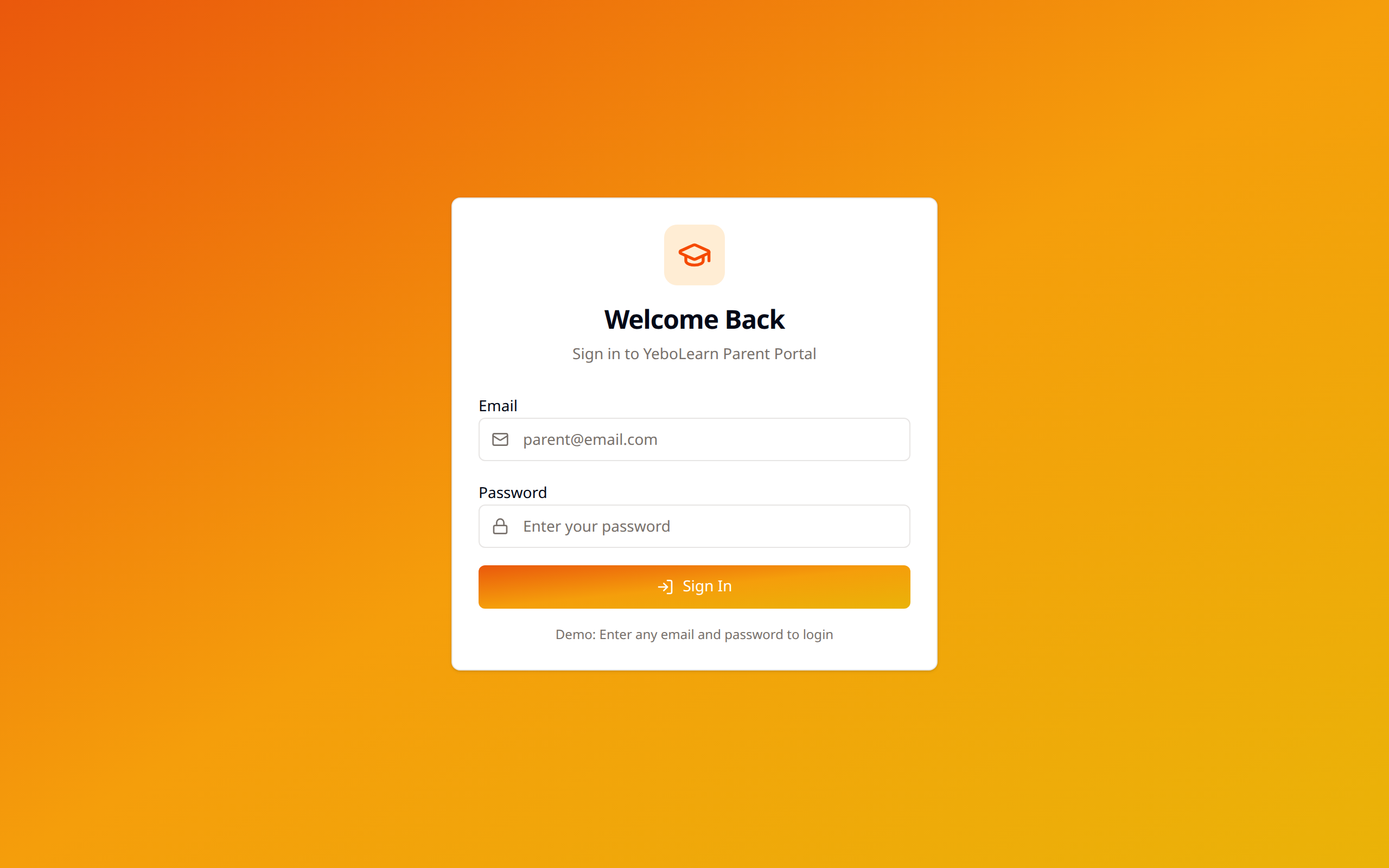
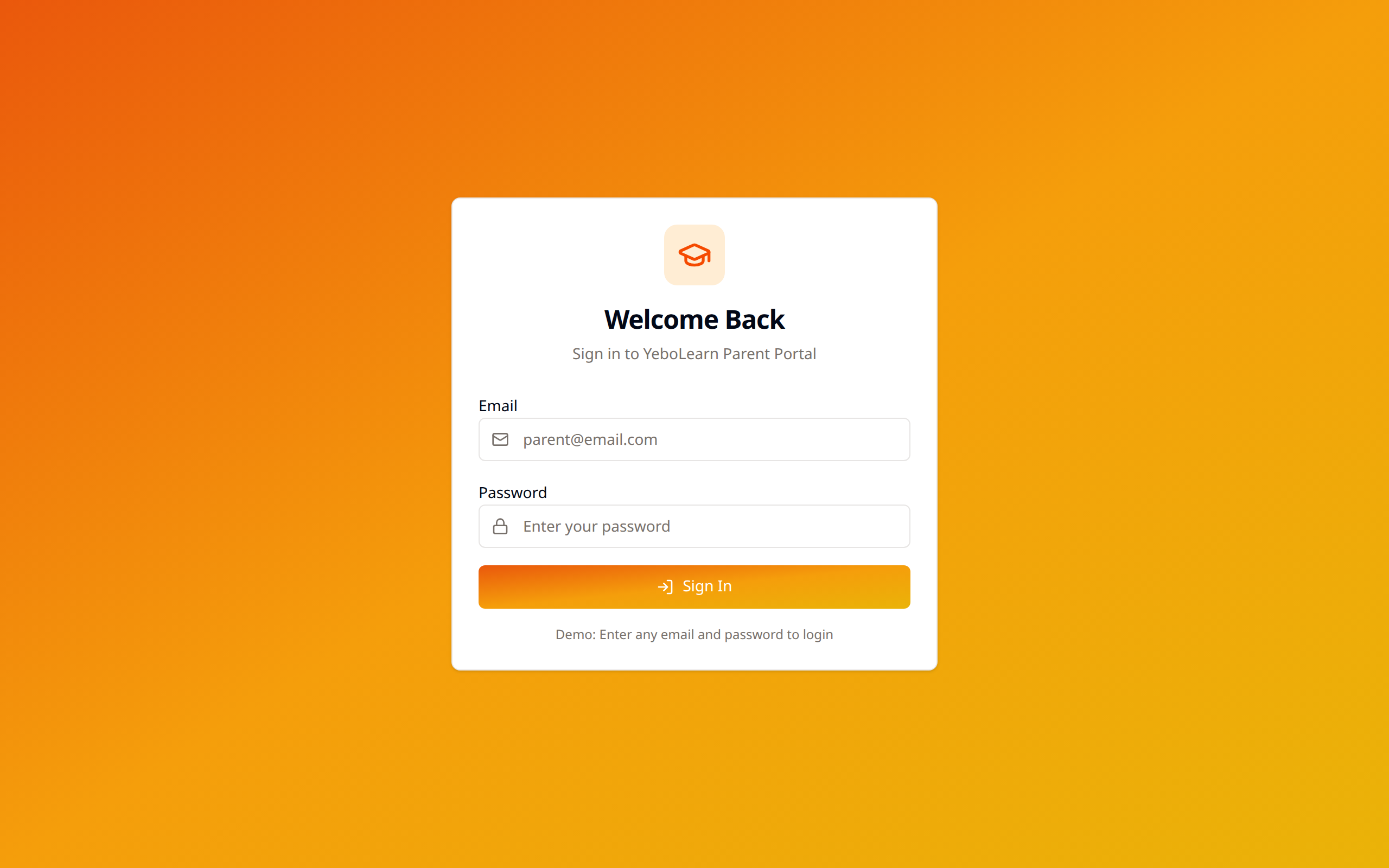
- Sign in with your email address and password
First-Time Login
When your child's school invites you:
- You'll receive an invite link
- Open the link — it shows the school's name and the email address being invited
- Enter your first name, last name, an optional phone number, and a password
- Click "Activate & continue" — you're signed in automatically
Navigation
The Parents App features intuitive sidebar navigation:
| Menu Item | Description |
|---|---|
| Dashboard | Overview of the selected child's status |
| My Children | Your linked children and their analysis |
| Grades | View academic grades |
| Attendance | Check attendance records |
| Fees | View and pay school fees |
| Schedule | Class timetable (not available yet) |
| Reports | Download term report cards |
| Messages | Communicate with teachers |
| Notifications | View important updates |
| Profile | Your account details |
| Settings | App preferences |
:::note The menu adapts to all of your children together, not just the one currently selected. If any of your children are enrolled at a YeboLearn school, Grades, Attendance, Fees, Schedule and Reports appear in the sidebar. If any of your children learn at home through the Yebo Kids app, Milestones, App Activity and Home Learning appear too — so if you have one child of each kind, you'll see both sets of menu items. Home Learning shows real Yebo Kids activity (recent videos and games, minutes played over the last 30 days); Milestones and App Activity still show a "coming soon" message in a real account until those features are connected. :::
Linking to Your Children
If you have multiple children at the school:
- All linked children appear in your dashboard
- Switch between children using the child picker in the header or the sidebar
- Pages show one child at a time — whichever child is selected
Quick Start Guide
Your First Day
- Check the dashboard - See the selected child's average, attendance and fee balance
- Review grades - Check current academic standing
- View attendance - Verify attendance records
- Set up notifications - Choose which alerts you want in Settings
System Requirements
For the best experience:
- Modern web browser (Chrome, Firefox, Safari, Edge)
- Stable internet connection
- Updated browser version
Need Help?
If you encounter issues:
- Contact your child's school
- Reach out to the school's IT support
- Email the school administrator